General Methods
ThreeAuto application instance ThreeInstance, cannot initialize multiple ThreeAuto instances on a single container.
instance.dispose
Function
Destroy the instance. The instance cannot be used after destruction.
instance.onTick
Used to control the entire loop, with the core being recursive calls to requestAnimationFrame to ensure the renderer can trigger every frame.
Function
The onTick method will trigger at the start of each frame.
onTick(callback:Function):void- In the
callbackparameter, we generally use it to update materialuniformsand play animations.
instance.onTick(() => {
  console.log("Triggers every frame");
});
instance.onTickBefore
Used the same way as onTick, it will trigger before onTick.
instance.onTickAfter
Used the same way as onTick, it will trigger after onTick.
instance.delayInterval
Function
Delay method, used when we need to trigger every interval milliseconds in a loop, default is 1000 milliseconds.
(cb: (e: number) => void, interval:number = 1000)The first
callbackparameter is generally used to update materialuniformsand animations.The second
intervalparameter is used to set the delay time
instance.delayInterval(() => {
  console.log("Triggers once every two seconds");
}, 2000);
instance.onResize
Function
The onResize method will trigger when browser size changes begin.
onResize(callback:Function):voidThe first parameter name
resizeis fixed.In the second
callbackparameter, we generally use it to update canvas size.
instance.sizes.on("resize", () => {
  console.log("Browser size has changed");
});
instance.getSizeInfo
Function
getSizeInfo can print the monitored container size.
instance.getSizeInfo(message = "Now size"):void- message: Print auxiliary string, default 'Now size'.
instance.onResize(() => {
  instance.getSizeInfo();
});
instance.onMousemove
Used to monitor mouse movement and generate current screen coordinates (x,y) of the mouse, mainly serving ray detection.
Function
The onMousemove method will trigger when mouse movement changes begin.
onMousemove(callback:Function):void- In the
callbackparameter, we generally use it to monitor mouse changes.
instance.onMousemove(() => {
  console.log("Mouse starts moving");
});
instance.onRaycasting
Provides ray detection services.
Function
The onRaycasting method will perform ray detection on the provided objects
onRaycasting(isLog:boolean = false, targets:THREE.Object3D = this.scene.children)isLog: Whether to print the currently ray-detected objects, defaultfalse.targets: Provide detection object combination, default detects all objects.
Usage:
import * as AUTO from "three-auto";
import * as THREE from "three";

const instance = new AUTO.ThreeAuto();
const geometry = new THREE.BoxGeometry(1, 1, 1);
const material = new THREE.MeshBasicMaterial({
  color: "#E89ABE",
  transparent: true,
});
const box = new THREE.Mesh(geometry, material);
const sceneDom = document.getElementById("_scene") as HTMLCanvasElement;

sceneDom.onclick = function () {
  const intersects = instance.onRaycasting(true);
  console.log("Monitor all raycast-detected objects:", intersects);
};
instance.isTargetIntersected
Function
The isTargetIntersected method only detects whether the passed current object is selected by the ray.
isTargetIntersected(target:THREE.Mesh)target: The provided detection object.
Usage:
import * as AUTO from "three-auto";
import * as THREE from "three";

const instance = new AUTO.ThreeAuto();
const geometry = new THREE.BoxGeometry(1, 1, 1);
const material = new THREE.MeshBasicMaterial({
  color: "#E89ABE",
  transparent: true,
});
const box = new THREE.Mesh(geometry, material);
const sceneDom = document.getElementById("_scene") as HTMLCanvasElement;

sceneDom.onclick = function () {
  const obj = instance.isTargetIntersected(box);
  console.log("Check if the passed target is triggered:", obj);
  if (obj) {
    obj.object.position.x += 1;
  }
};
instance.createTips
Function
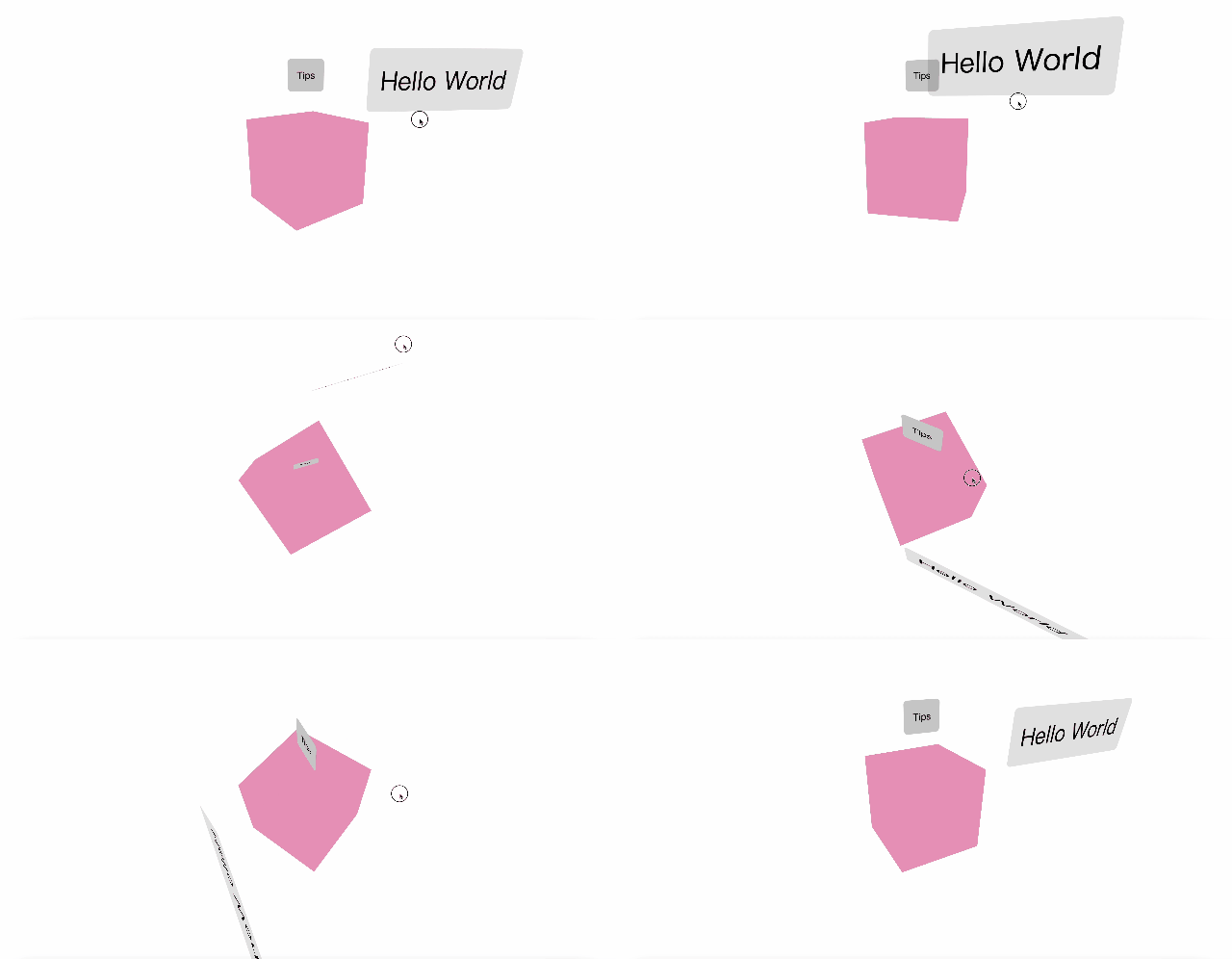
The createTips method can create a tooltip card.
createTips(root: HTMLElement)